G DATA Security Awareness Trainings
Deactivating learners
If you would like to deactivate learners, proceed as explained below.
1 |
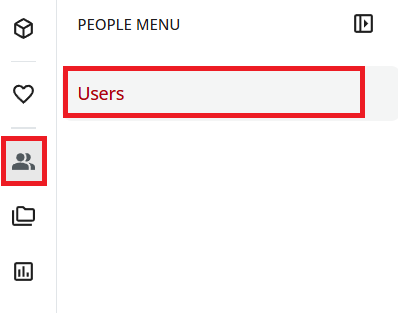
Open User Management: In the menu on the left, select the person icon and select Users. |
|
2 |
In the list, locate the learner you would like to deactivate. |
|
3 |
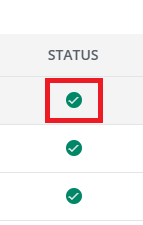
In the "Status" column, remove access by clicking the checkmark. |
|
4 |
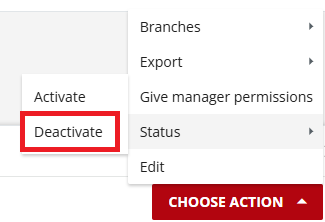
If you would like to deactivate multiple users at the same time, select the corresponding checkboxes and choose . |
|
The learners you have deactivated can no longer log in to the Learning Management System.