G DATA MXDR
Saving a contact in the emergency call chain
| The contacts saved here will be called in the event of a critical Incident in the specified order (from top to bottom) until an emergency contact is reached. |
1 |
In the G DATA Web-Portal, open the MXDR > Notifications window. |
||
2 |
Switch to the Emergency call chain tab. Show screenshot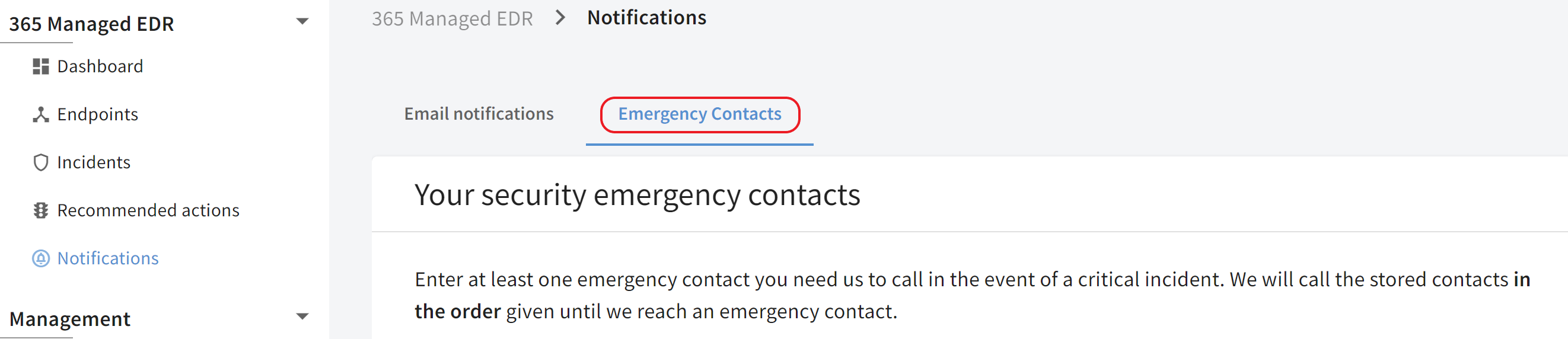
|
||
3 |
Click |
||
4 |
Click in the name field. Show screenshot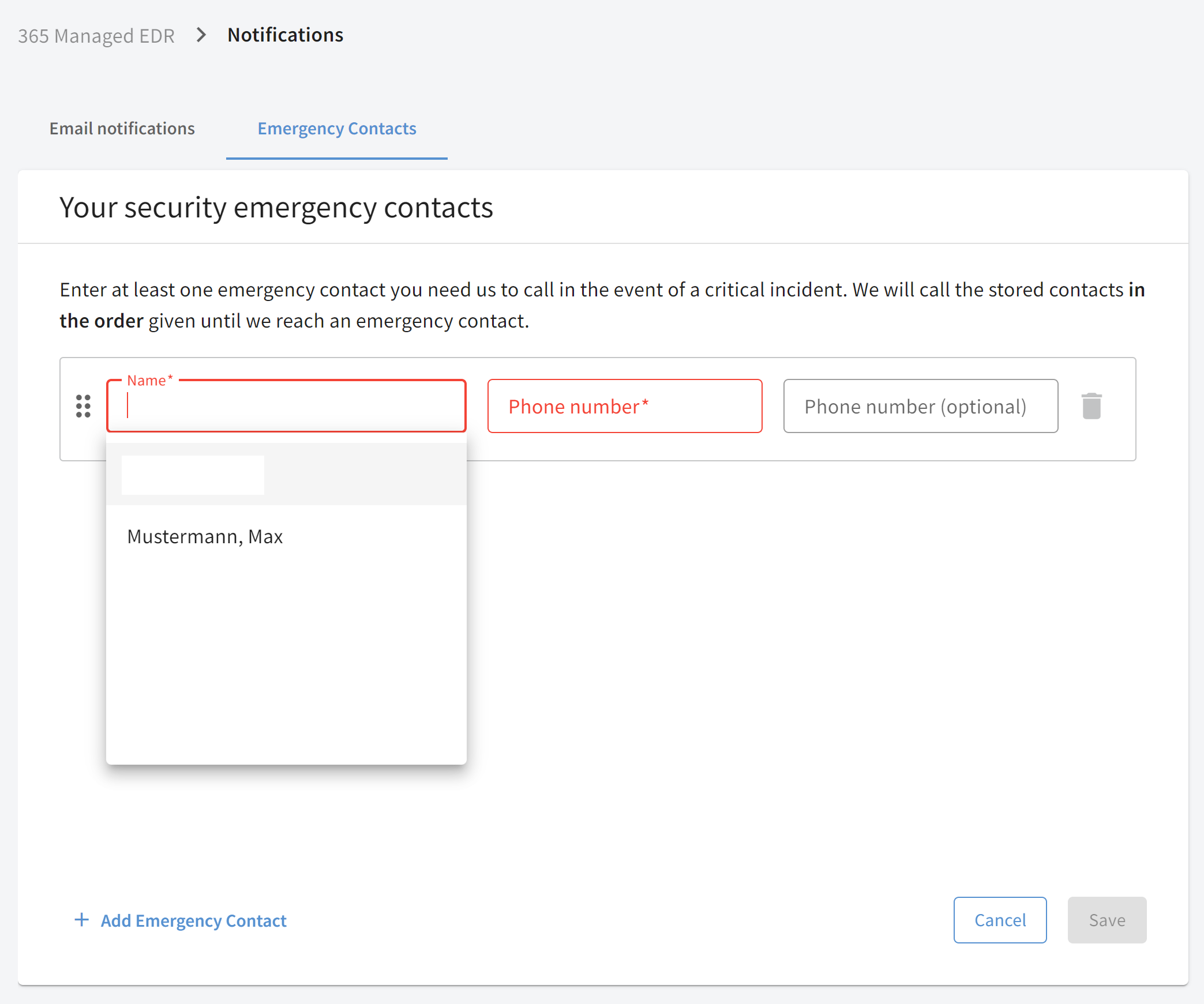
|
||
5 |
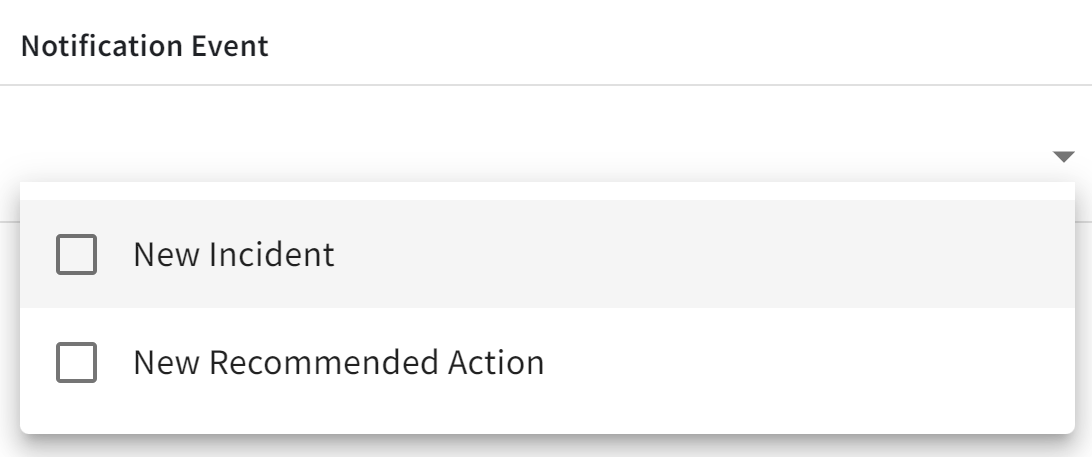
Click the Phone number field and enter the contact’s phone number. Show screenshot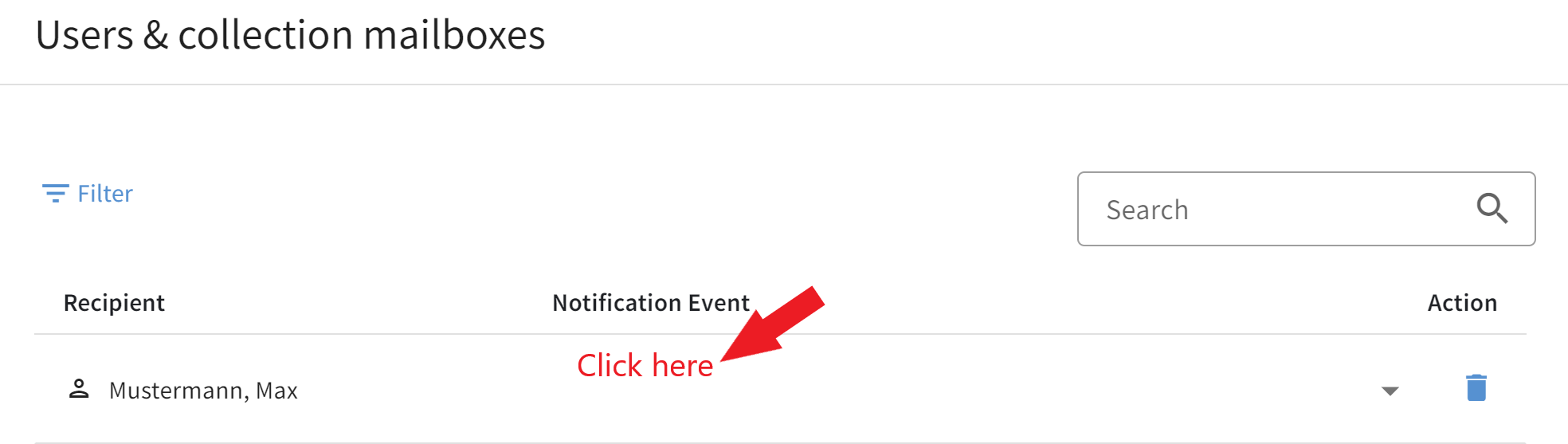
|
||
6 |
Confirm your entries by clicking the Save button. |
