G DATA MXDR
Creating a new email recipient for notifications
1 |
In G DATA Web-Portal, open the MXDR > Notifications window. |
||
2 |
Click |
||
3 |
Click in the recipient field. Show screenshot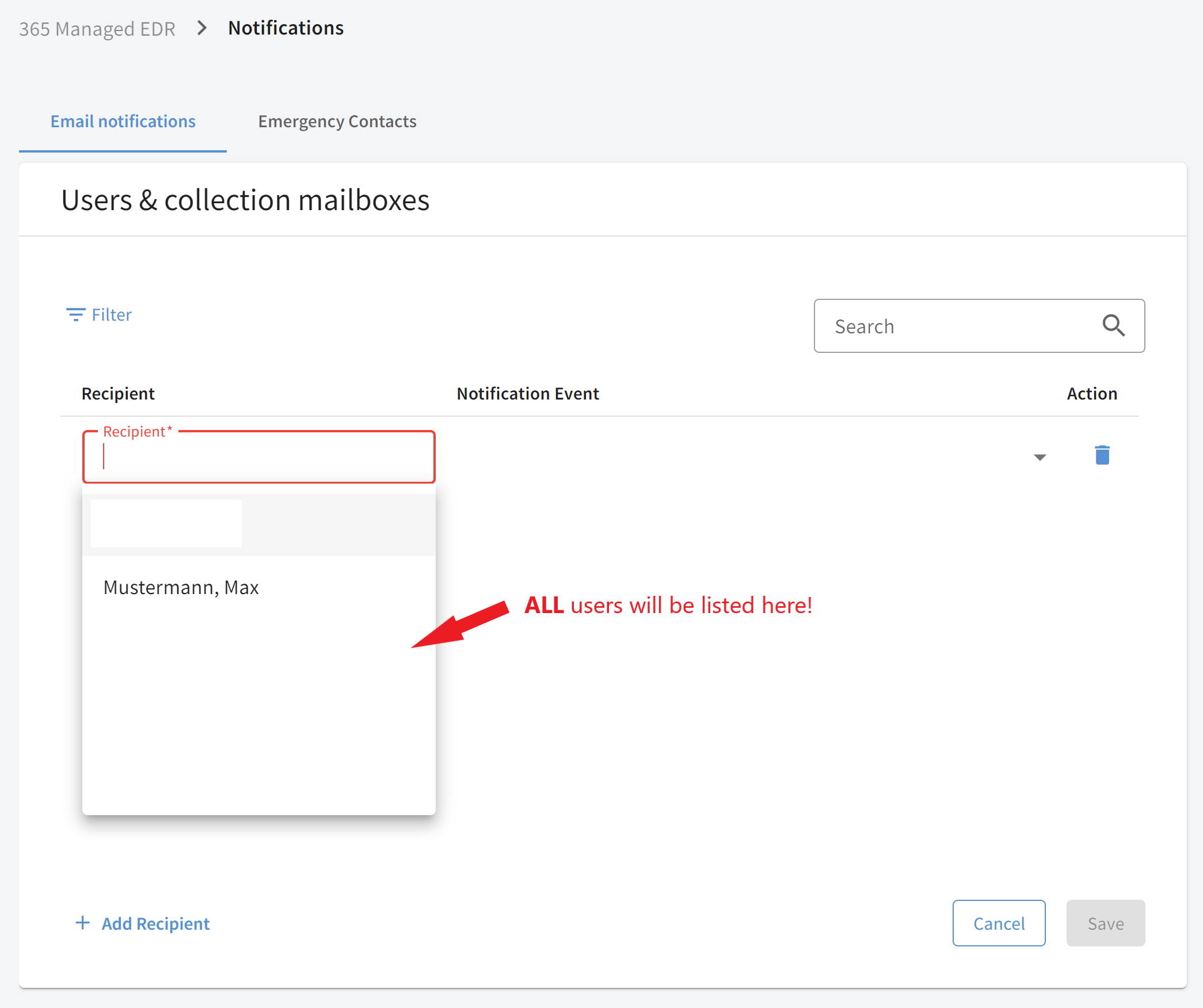
|
||
4 |
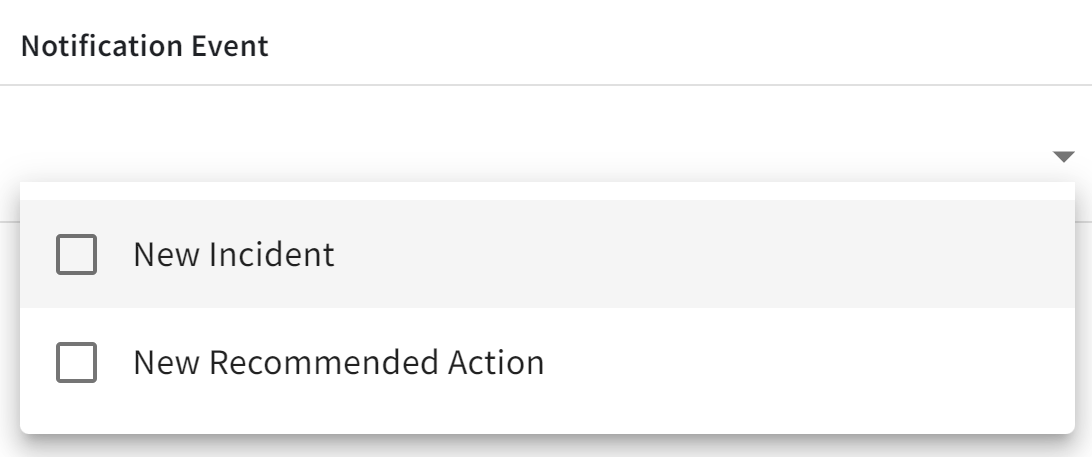
Click the row below the column header Notification event and select whether the recipient should be notified for a new Incident, a new Recommended Action, or in both cases. Show screenshot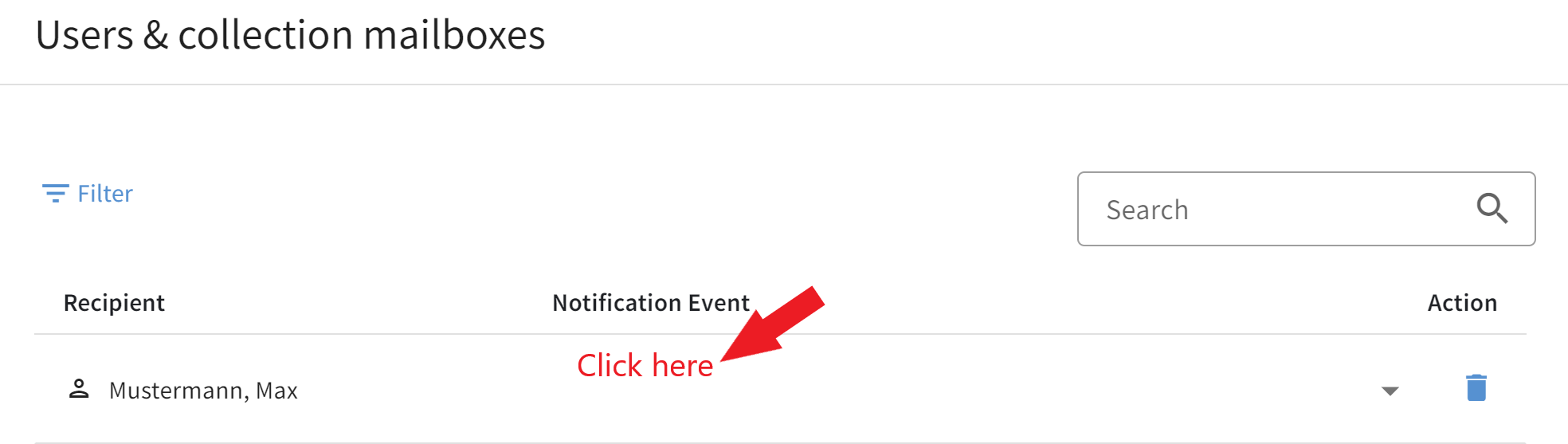
|
||
5 |
Confirm your entries by clicking the Save button. |