G DATA MXDR
Controlling the use of external devices using G DATA Policy Control
Improper use of external devices can repeatedly result in malware being introduced into systems, even if these systems are normally well protected against attacks from the outside. This is where G DATA Policy Control comes in, providing centralized access control and thereby enabling control over the use of external devices on the endpoints in your network. This can also prevent sensitive data from being stored on external devices.
Product Information
G DATA Device Control provides the access control options within G DATA Web Portal for the following external device classes:
-
Removable media → e.g., USB sticks, USB hard drives, etc.
-
Optical drives → e.g., DVD or BluRay drives.
-
Floppy drives → no longer widely used, but still a potential attack vector.
-
Windows Portable Devices (WPD’s) → e.g., smartphones or digital cameras with an SD card.
-
Webcams → regardless of the connection type.
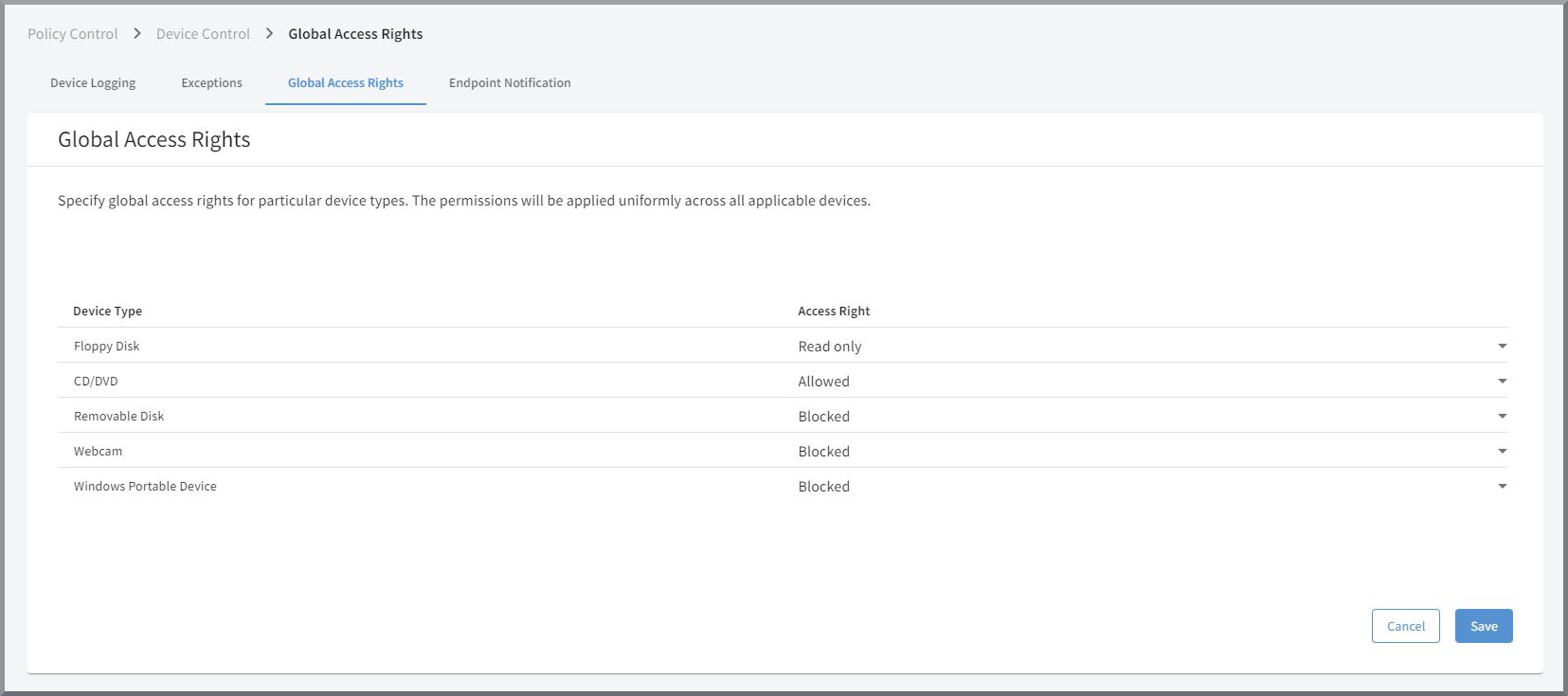
In G DATA Web Portal, via the
"Device Control" view, you can create global
rules for the listed device classes and define Exclusions at the global and Endpoint level.
In addition, you can review logs and logging for deployed devices and configure notifications that
are displayed to users on endpoint devices when external devices are used.
Where do I find device control in G DATA Web Portal?
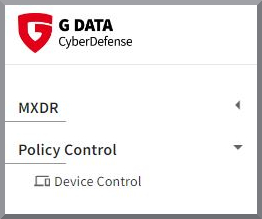
G DATA Policy Control is a standalone module within our XDR solutions. If, in G DATA Web Portal, you do not see the "Device Control" entry in the side navigation on the left below "Policy Control", you do not have access to the module. In this case, please contact your administrator if you have purchased G DATA Policy Control.
Otherwise, please contact our sales representatives. They will be pleased to advise you.
Business Contact
Monday through Friday 8 a.m. to 5 p.m.
Phone: +49 234 9762-170
Email: sales@gdata.de