G DATA MXDR
View of the G DATA Web-Portal based on the Organization Units (OU filter)
With the OU filter, you have the option to view the entire WebPortal from the perspective of an Organization Unit (and all Organization Units at the levels below the selected one).
| This feature is primarily intended for partners who manage multiple Customers via the G DATA Web-Portal. However, it can also be used in other cases to provide a better overview. |
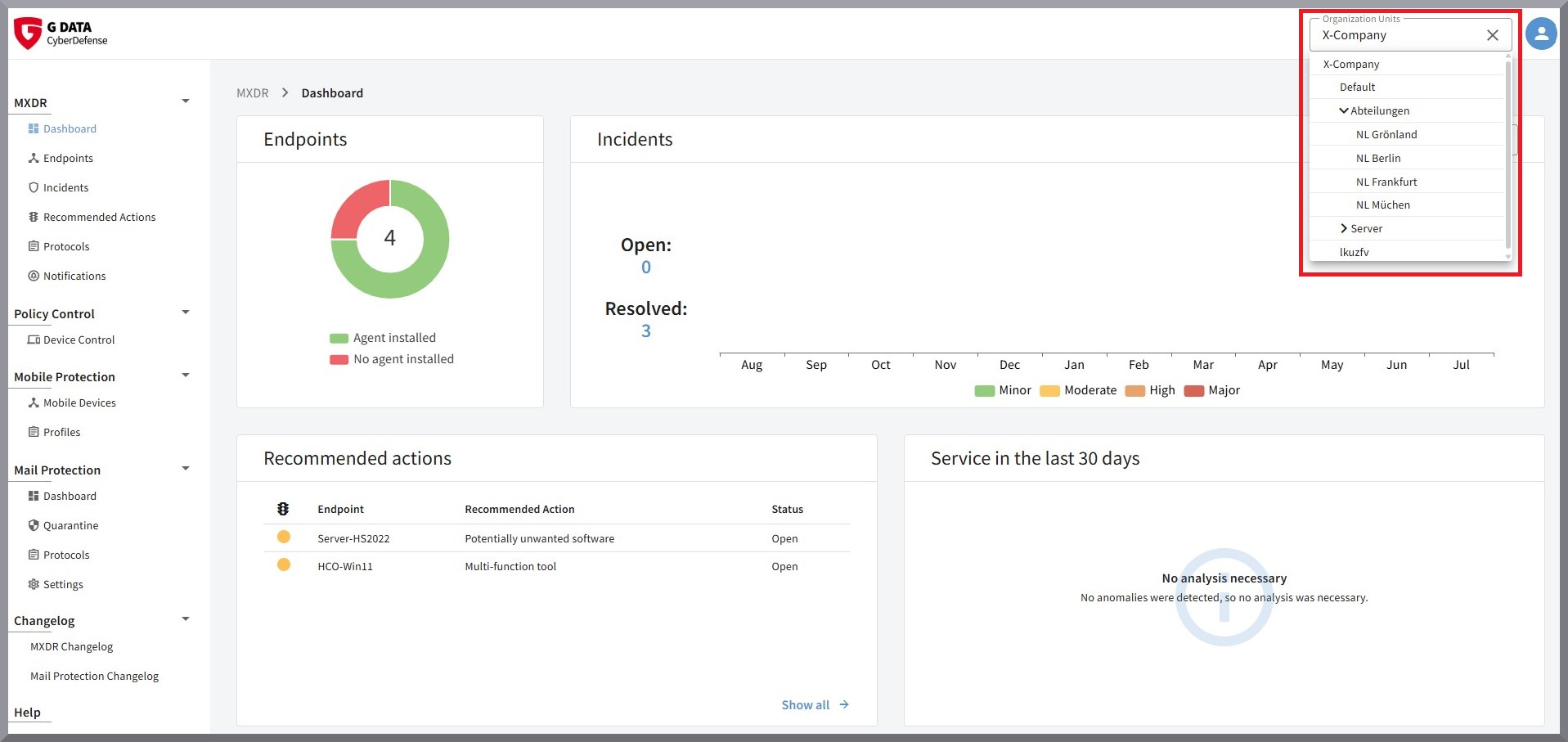
You can find the OU filter in the upper-right corner of the WebPortal.
If you select an Organization Unit here, your view of the entire WebPortal changes. You will then see only data related to the selected Organization Unit as well as its subordinate Organization Units. All other Incidents, Alerts, Recommended Actions, and Endpoints are hidden.
This enables you, as a partner, to view all data that relates to a specific Customer. Alternatively, in larger organizations, depending on how you use the Organization Units, for example branch offices or departments can be viewed specifically.