G DATA MXDR
User profile
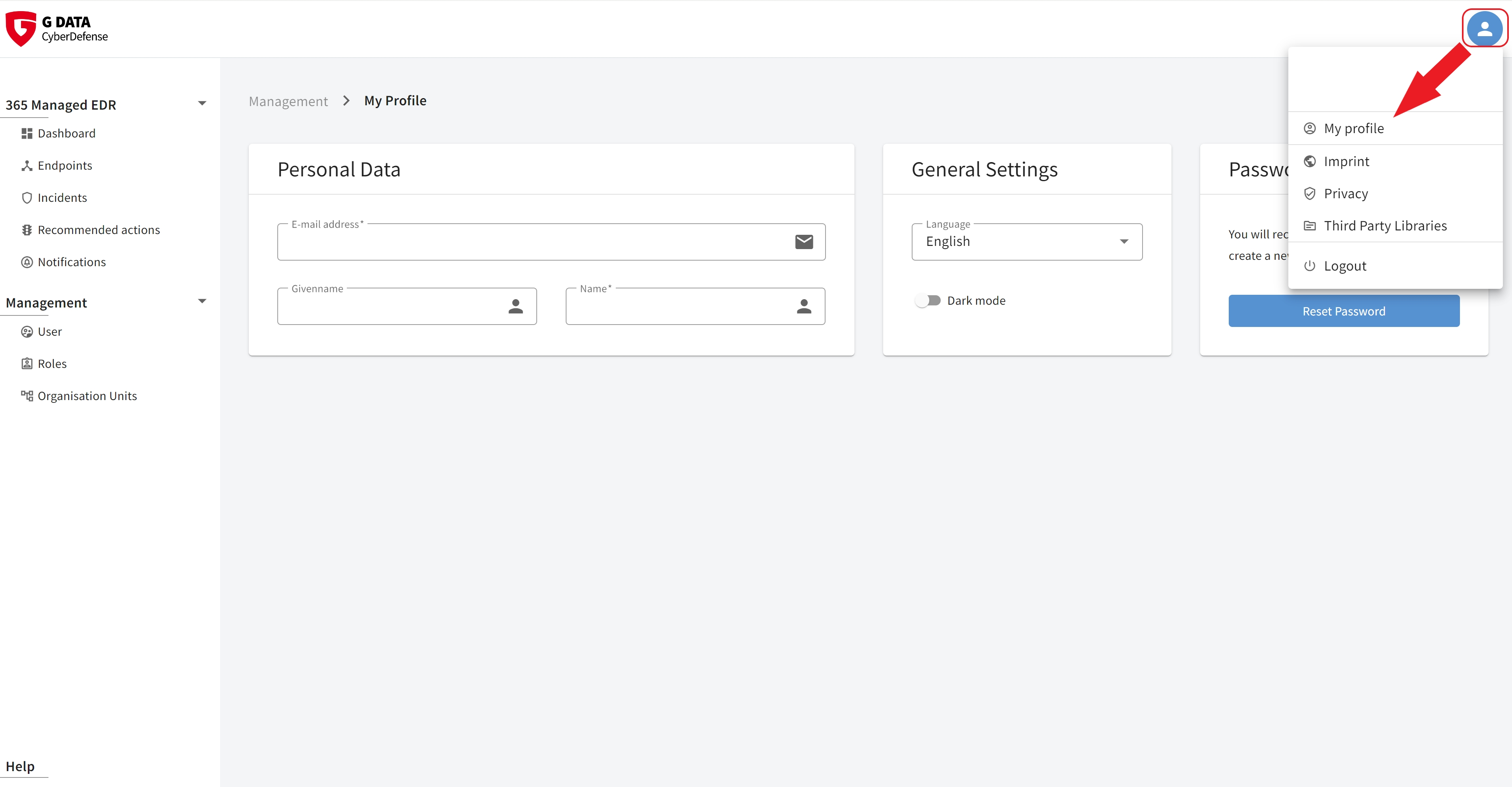
Use the button highlighted in the screenshot in the upper-left corner of the portal to access the profile you are currently signed in with. Here you can change your personal information, language, portal theme (light/dark), and personal password.
| You can choose from the following portal languages: German, English, Polish, Spanish, French, Italian, Dutch, and Portuguese. |
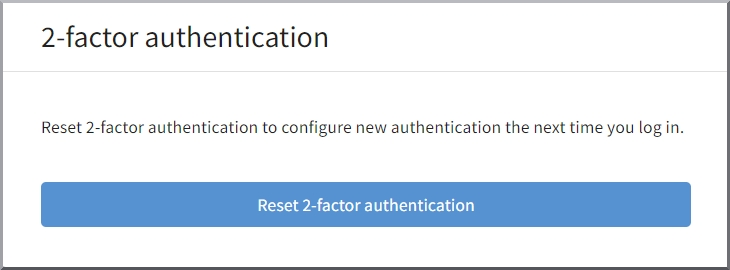
If the user has enabled 2-factor authentication, it can be reset through the profile.
The same button provides access to the Legal notice, our Privacy policy, Third Party Libraries, and the button for signing out the currently signed-in user.