G DATA 365 | Mail Protection
Server settings
Overview
This page displays a list of the Microsoft Exchange Online servers whose emails can be monitored by G DATA 365 | Mail Protection.
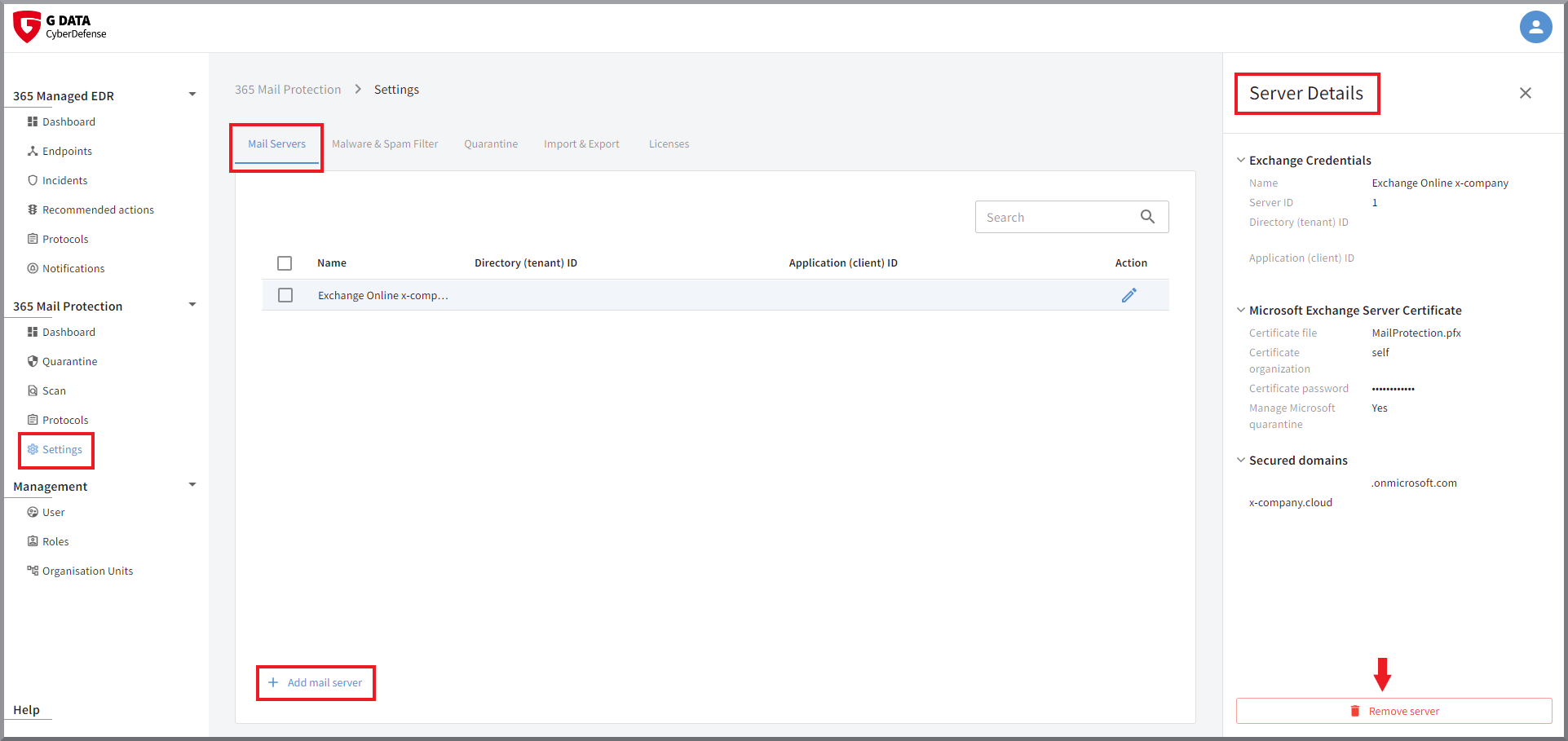
Clicking the row of a Microsoft Exchange Online server opens a details pane on the right side of the screen.
There you can view all current settings, such as:
-
Name
-
Server ID
-
the assigned Microsoft IDs
-
the name of the certificate file used
-
whether Microsoft quarantine is managed
-
the active domains
Delete
In the details pane, you will also find the button that can be used to delete the server. Do not delete the server here if a rule is still active for it in Microsoft Exchange Online.
Change settings
Clicking  starts
the wizard that has already guided you through the setup.
All settings can be changed here.
starts
the wizard that has already guided you through the setup.
All settings can be changed here.