G DATA Phishing Simulation
Group participants (paid add-on)
1. |
Open the G DATA Awareness Manager and log in with your credentials. |
||
2. |
Click the TAB Reports and verify that the checkbox "Gruppen-Report" is checked. Only then will the tools for grouping under "Teilnehmer eintragen" be available. Screenshot anzeigen
|
||
3. |
Click the TAB Teilnehmer. Screenshot anzeigen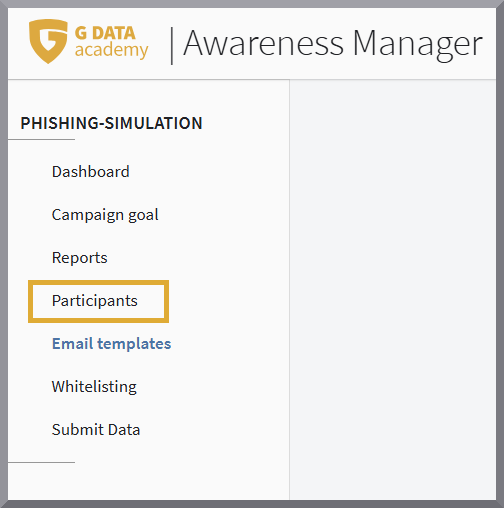
|
||
4. |
Click Gruppen and create the required groups. For each group, click Gruppe hinzufügen, enter the name, and save it using the save (disk) icon. Screenshot anzeigen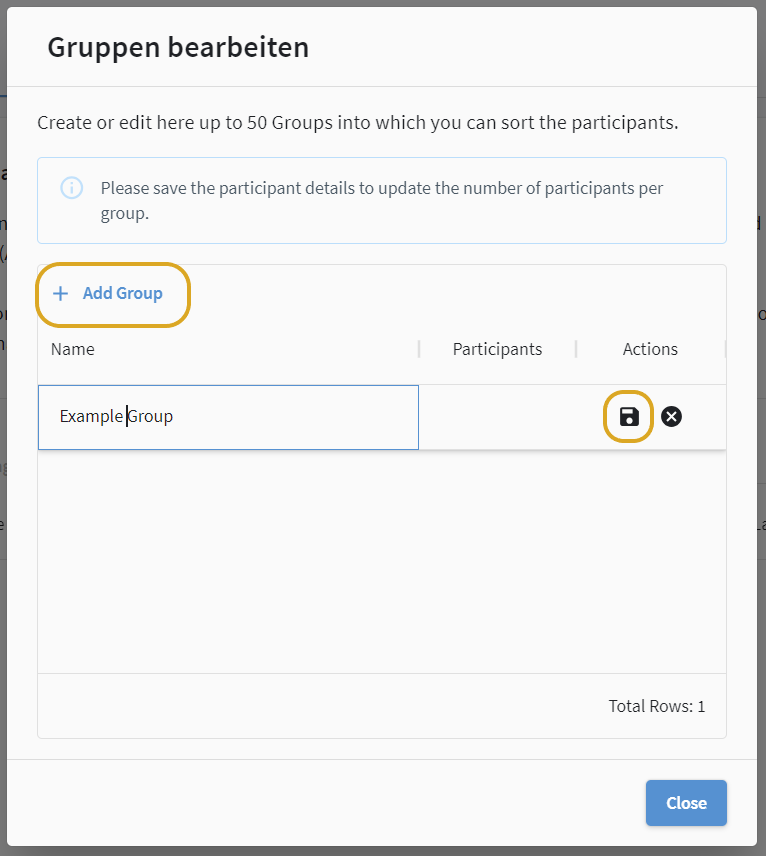
|
||
5. |
Select the participants for a group by setting a checkmark at the beginning of the row and click Gruppen ändern. Repeat the process until the corresponding participants have been assigned to all groups.
Screenshot anzeigen
|