G DATA Phishing Simulation
Edit email templates
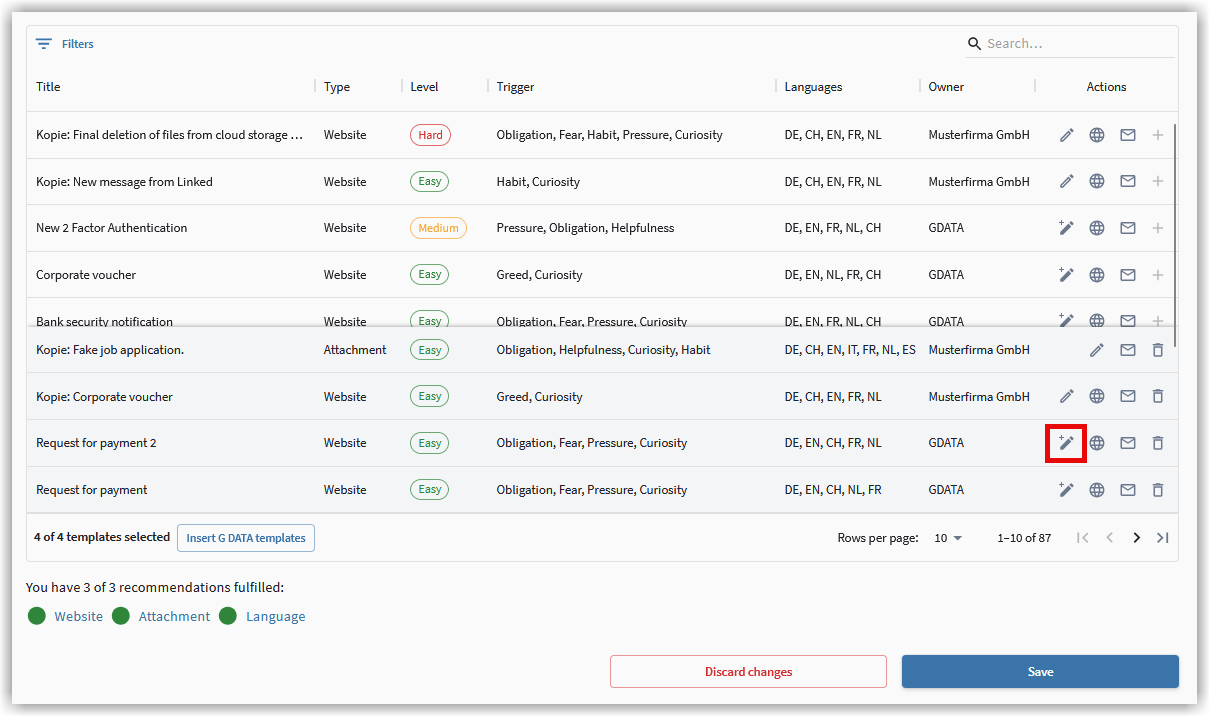
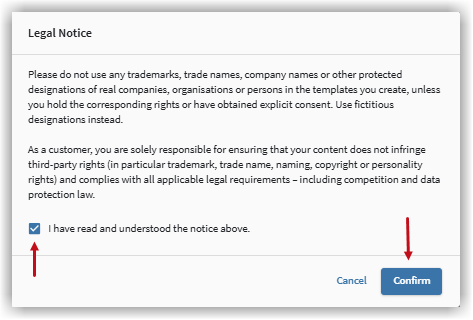
You can edit an email template using the pencil icon. When you select a G DATA-provided template, the edit function changes to copy and edit. A legal notice is displayed. When using your templates, ensure that you only use trademarks, trade names, company names, or other protected designations of real companies, organizations, or individuals for which you have the corresponding rights or explicit consent. Otherwise, fictional designations can be used.
Confirm the notice you receive to continue.
Customize email templates
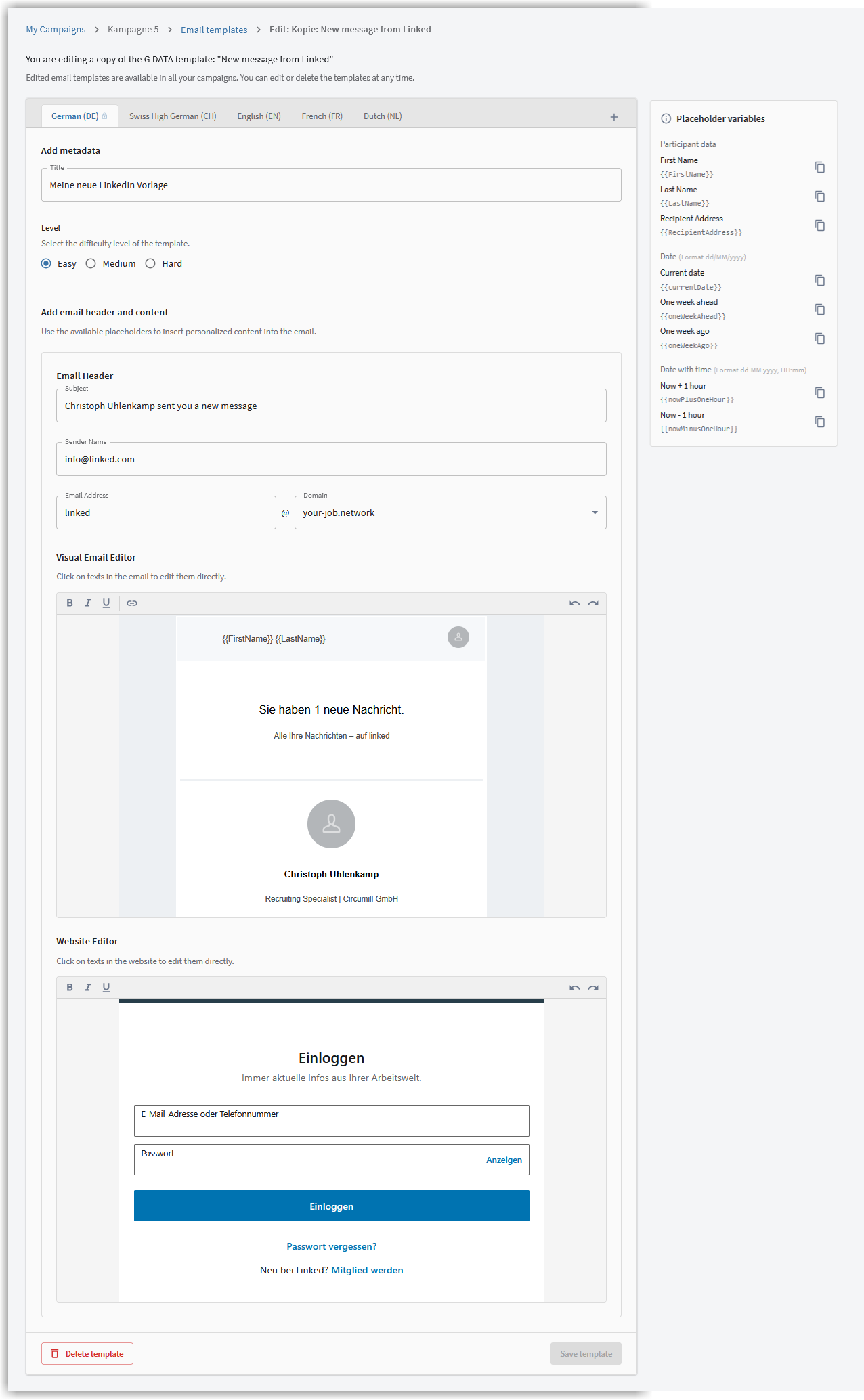
The existing structure of the template is displayed to you in various areas. You can make individual adjustments in the respective fields and editors.
| Changes within the template apply only to the language you are currently editing. Adjustments must be performed separately for each language. |
Email templates you have edited are available in all your campaigns. You can edit or delete the templates at any time.
Add languages
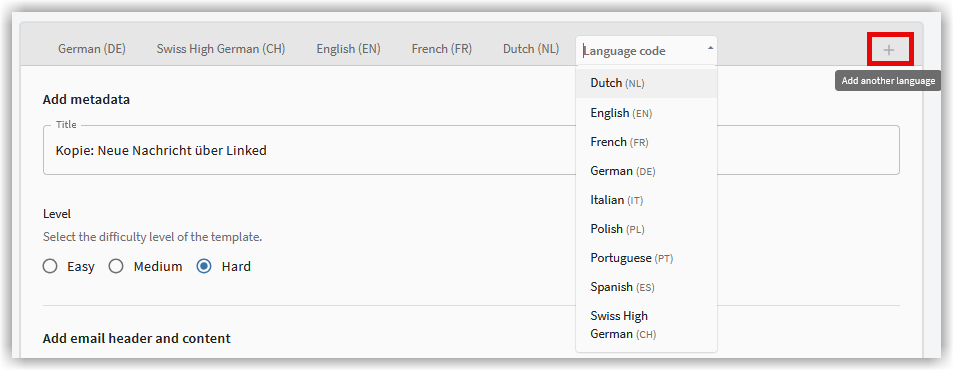
You can add new languages to your email template using the plus icon.
Enter metadata
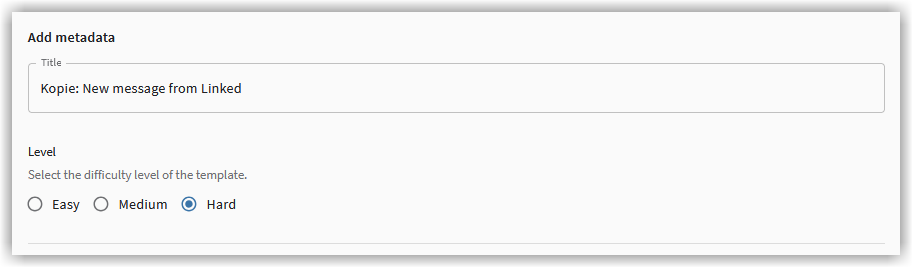
You can assign your edited template a custom name and select the desired difficulty level for the template.
Email header
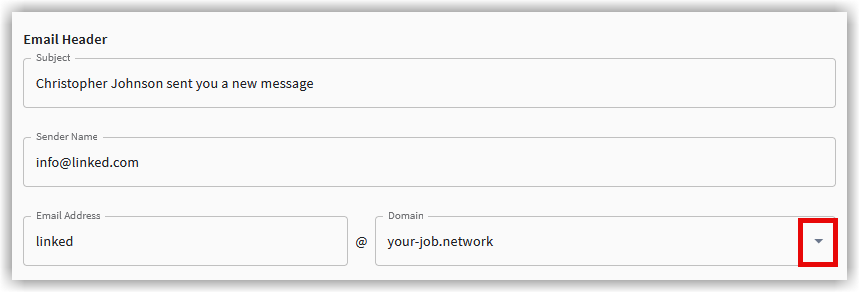
You can customize the header for your template and select a domain for your template.
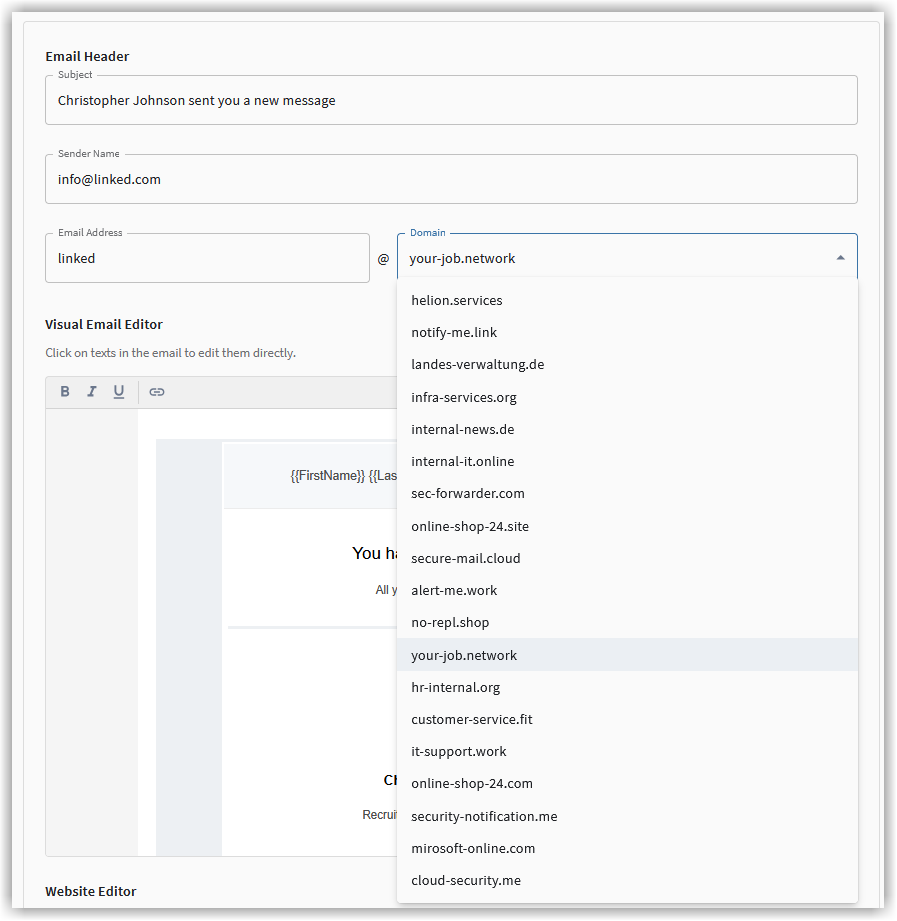
Email/website editor
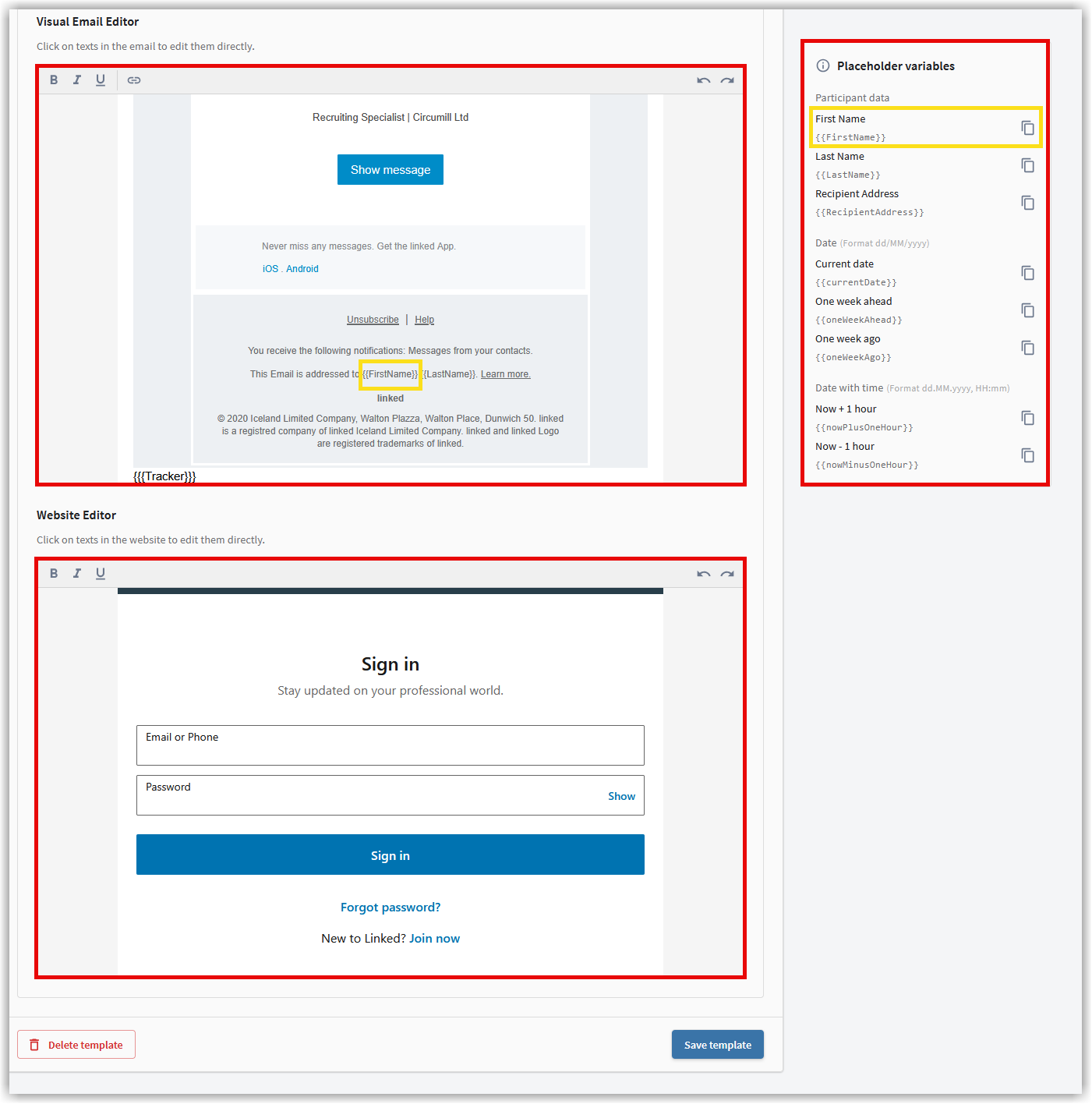
In the editors, you can customize your template directly and add placeholder variables.
To finish, you can discard your changes via Template löschen or add the template to your list of email templates via Template speichern.

Afterward, your template is displayed in your Templates.