G DATA Phishing Simulation
Select email templates
When you open the Templates tab within a campaign for the first time, you are asked whether you would like to use the default configuration.
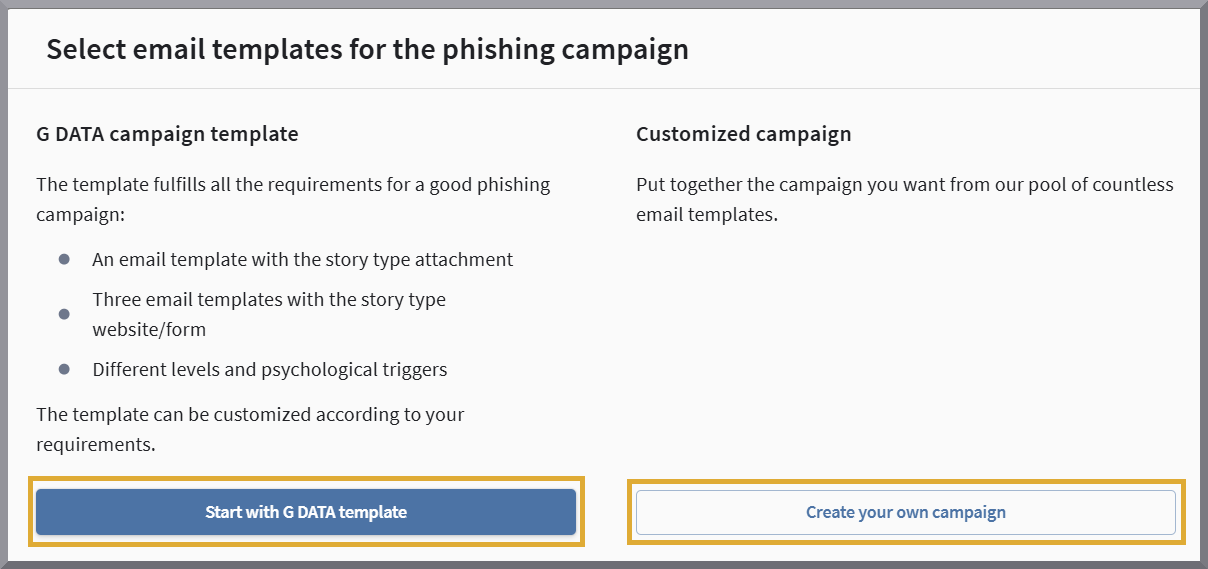
If you want to use the G DATA preset or replace only a single template, it is recommended that you click the button Start with a G DATA preset. In the next step, we will display the templates we have selected directly in your selection pane.
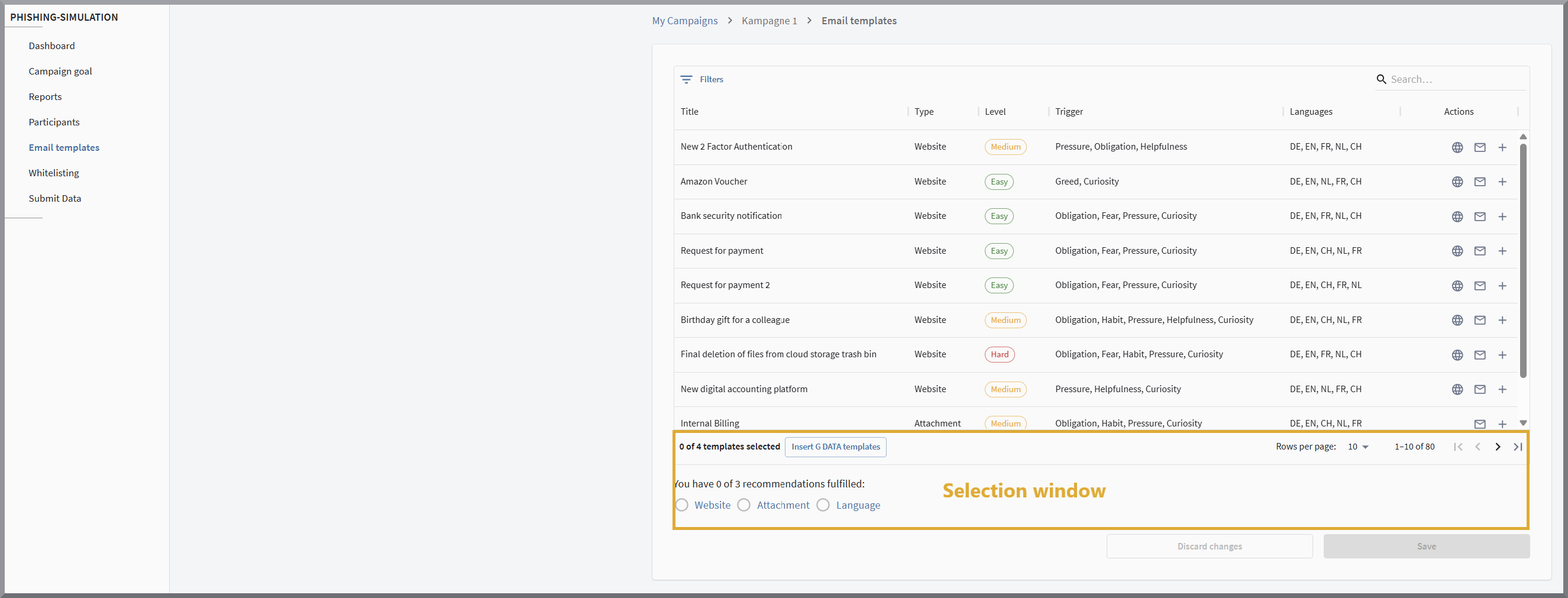
Otherwise, you can use the button Assemble campaign yourself. In this case, you start with an empty selection pane and select the four templates that you want to use for this campaign from a large pool.
| You can reset your preset to the G DATA preset at any time later. |
The preset for your campaign can now be modified or created on this editing page according to your requirements.
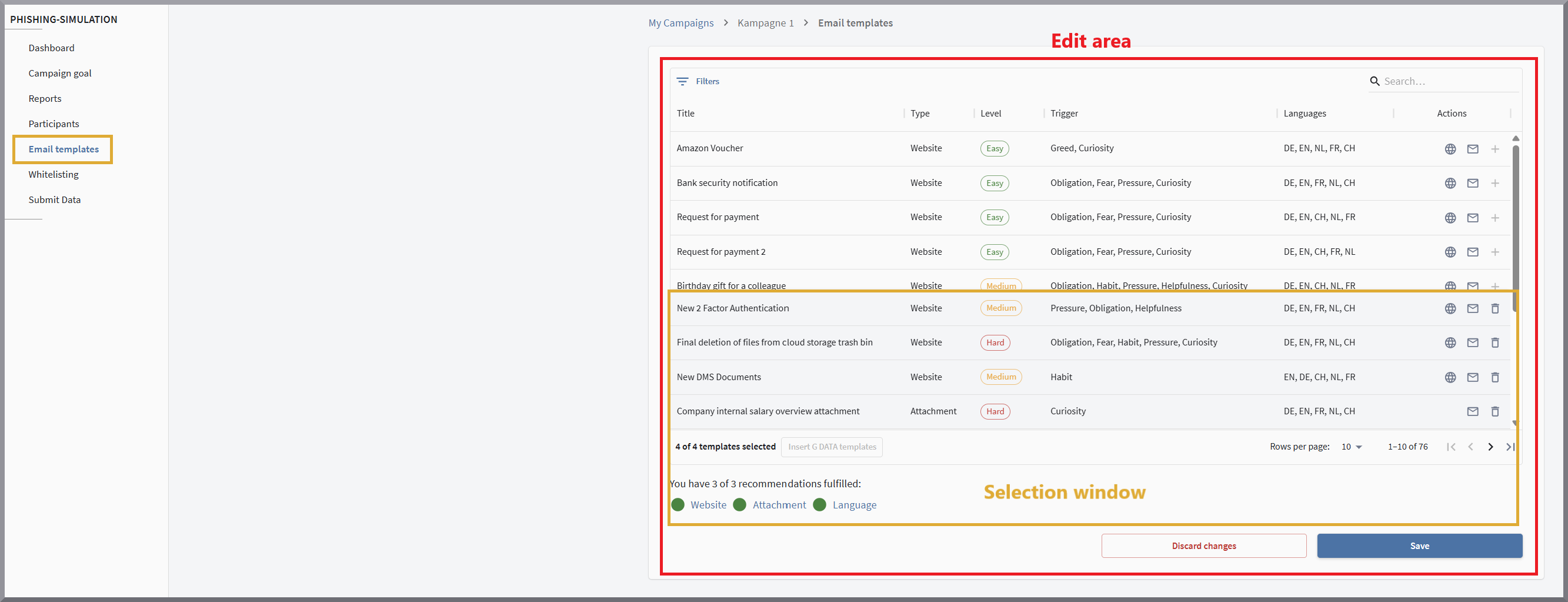
As you can see in the screenshot above, the editing area is divided into two blocks. In the upper block —the template overview—(area outlined in gray in the screenshot), you can see the available templates. Here you can scroll through them, and view and select templates.
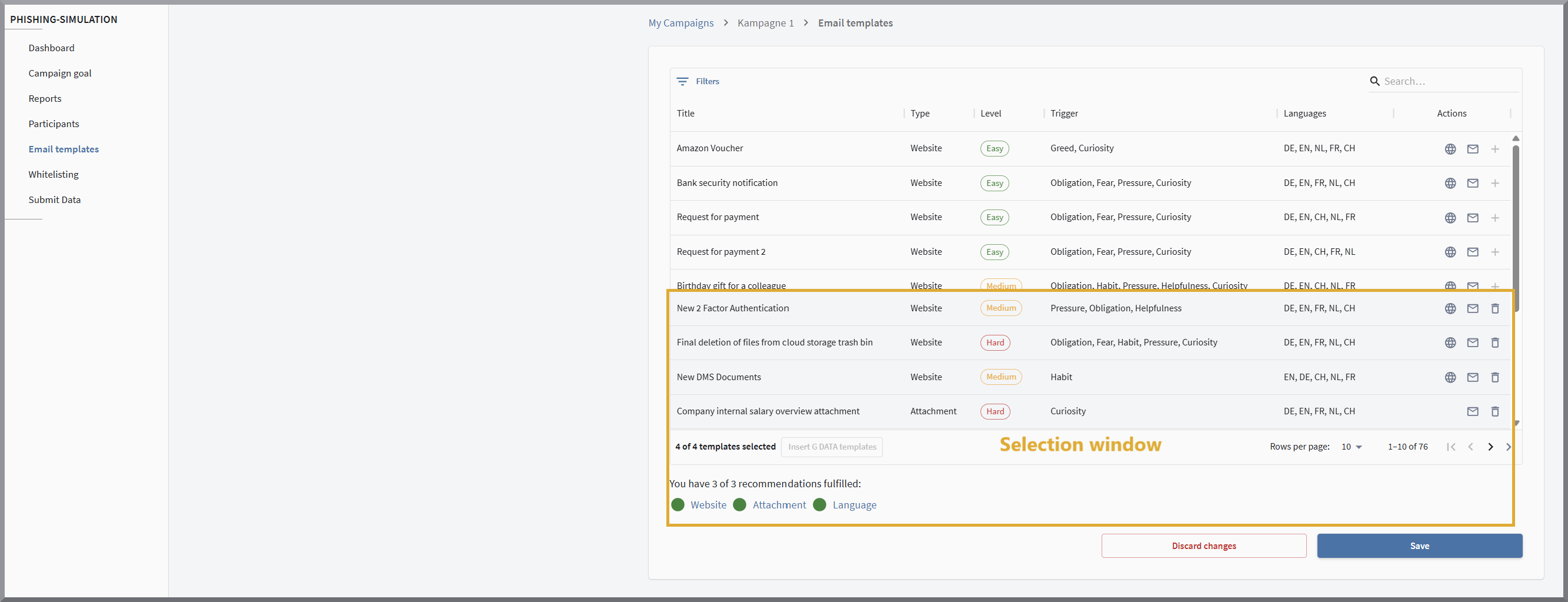
In the second block—the selection pane—(area outlined in yellow in the screenshot), you can see which templates have already been selected for your campaign. Each campaign requires four templates. The campaign uses the email templates that are in the selection pane when it is started.
Navigation within the editing area
Actions
Templates are selected using the following icons:

|
Use this icon to edit a campaign that you have already created or to copy and edit a G DATA preset. |

|
Use this icon to preview what the website for this template will look like when participants click links in the emails. |

|
Use this icon to preview what the email for this template will look like that participants will receive. |

|
Use the plus icon to add an email template to the selection pane. |

|
Use the bucket icon to remove an email template from the selection pane. |
By clicking the button Insert G DATA preset, you can load the templates from the preset suggested by G DATA into the selection pane at any time.
In the lower editing area, you are shown whether the selected email templates in your preset meet the following criteria:
-
At least one email template contains a link to a website where participants are expected to enter data.
-
At least one email template contains an email with an attachment.
-
All selected templates are available in all languages that you have specified for your participants.