Removing Devices from G DATA Mobile Device Management
After you click the  icon, a dialog opens asking you to confirm deletion of the affected device.
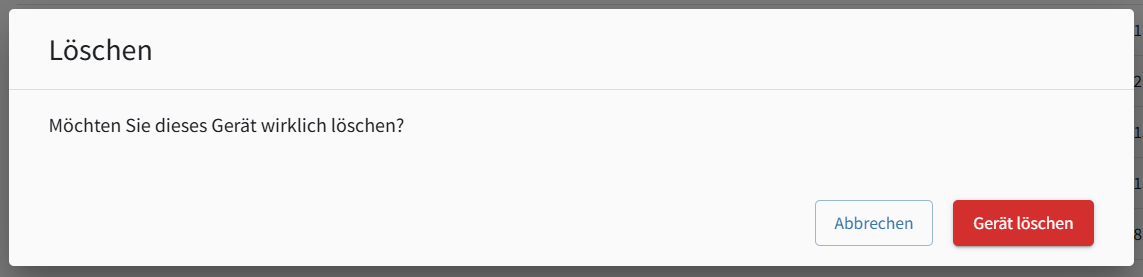
Removing a device triggers different processes depending on how it is managed.
Android G DATA Agent
The connection to G DATA Mobile Device Management is removed. While the process is in progress, the device overview displays "Pending for deletion" as the security status. The G DATA Endpoint Security app remains installed; only its connection to MDM is removed.