Searching and Filtering Overview Tables

All views that contain an overview table provide several controls for displaying table data.

Example table
Figure 1. Example table

Filters

You can create any number of filters based on values in the relevant table. You can combine individual filters using AND / OR logic.
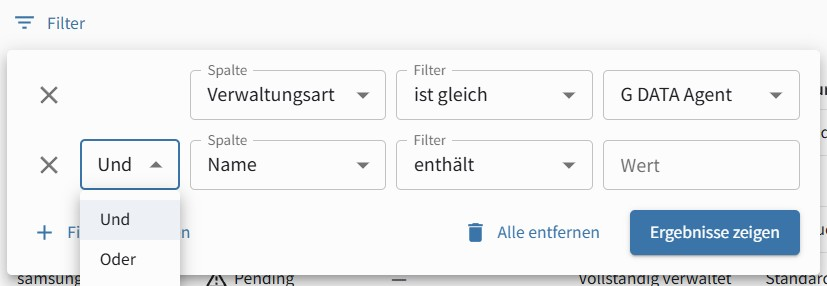
Filters
Figure 2. Example

Column Options

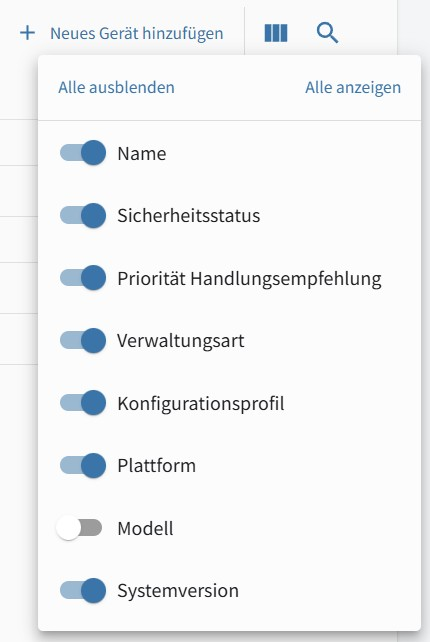
Click Column options to open the table column display options. Here you can show or hide each available column individually.

Column display
Figure 3. Example

Click Search to open a search field. You can search the table for any full or partial character string. The search covers all applicable columns.