G DATA 365 | Managed XDR
User profile
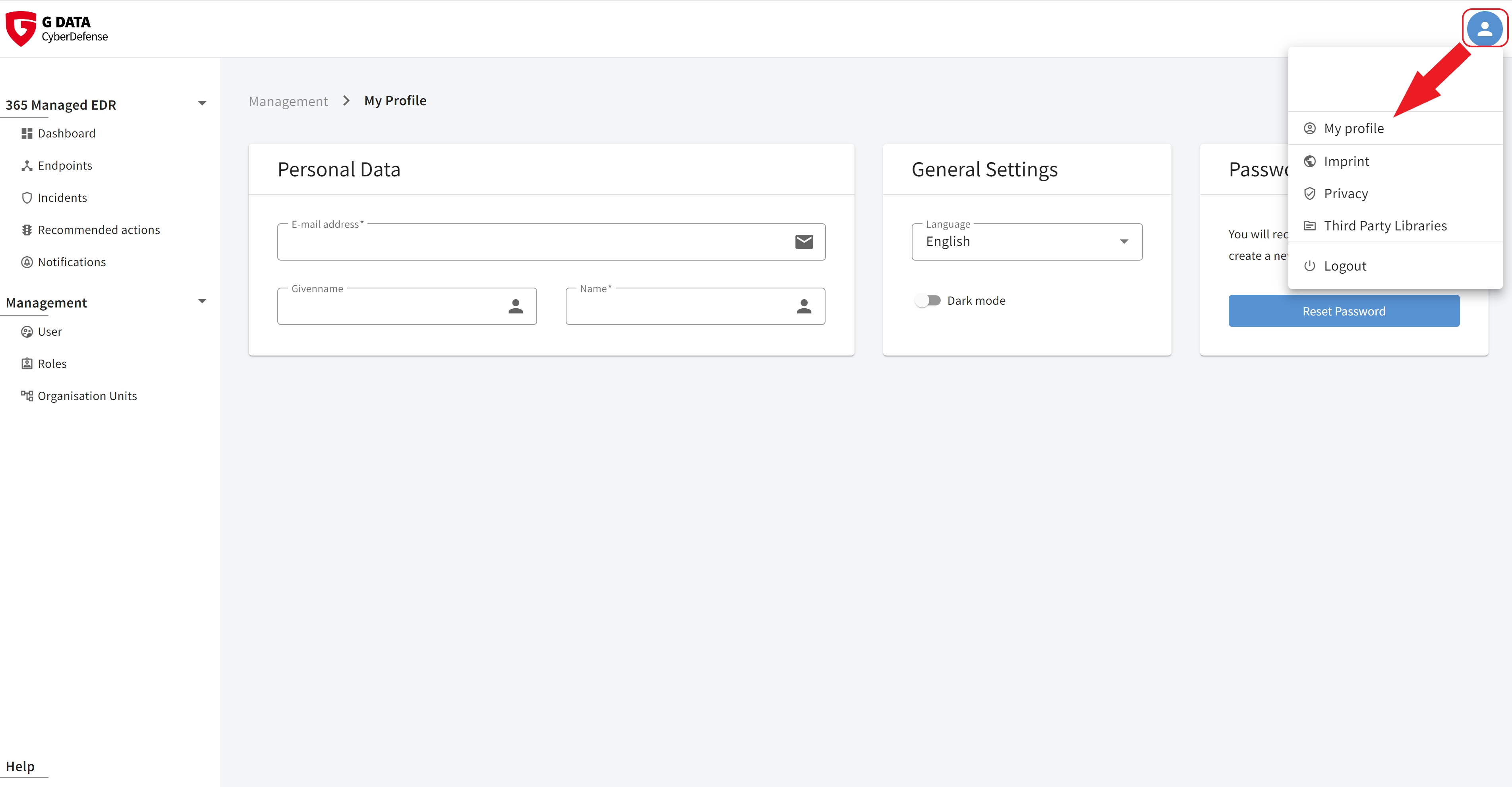
Using the button highlighted in the screenshot in the upper-left corner of the portal, you can access the personal profile you are signed in with. Here, you can change personal data, the language, the portal mode (White/Dark), and your personal password.
| When selecting languages, you can choose between German, English, Polish, Spanish, French, Italian, Dutch, and Portuguese. |
If the user has enabled two-factor authentication (2FA), it can be reset via the profile.

Using the same button, you can access the Legal notice, the Privacy policy, Third Party Libraries, and the button to sign out the currently signed-in user.