G DATA Safe Access
With G DATA Safe Access, you have read/write access to encryptions created with G DATA. Even without having the G DATA encryption component installed, you can access your password safe that you created.
Installation
G DATA Safe Access does not require installation. The program has no dependencies and can be used directly after downloading. No installed G DATA product is required; however, it also works alongside a G DATA installation. A separate G DATA license seat is not necessary to use G DATA Password Access.
You can download the program at this link.
Use
G DATA Safe Access requires administrator privileges the first time it is run; after that, the program can be used by standard users without special permissions.
Screenshot
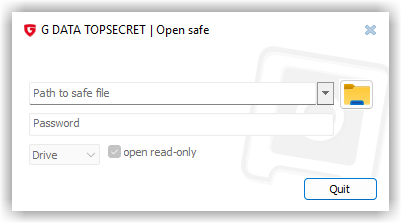
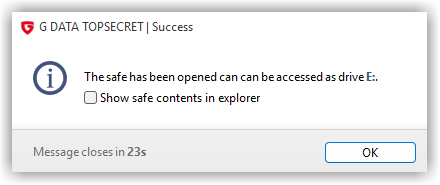
After selecting the vault (or by dragging a vault file onto the window) and entering the access password, the contents of the vault are made available as a drive. Optionally, the vault can be opened with or without write permission. If the assigned password allows read-only access only, the vault can also only be used in read-only mode. |
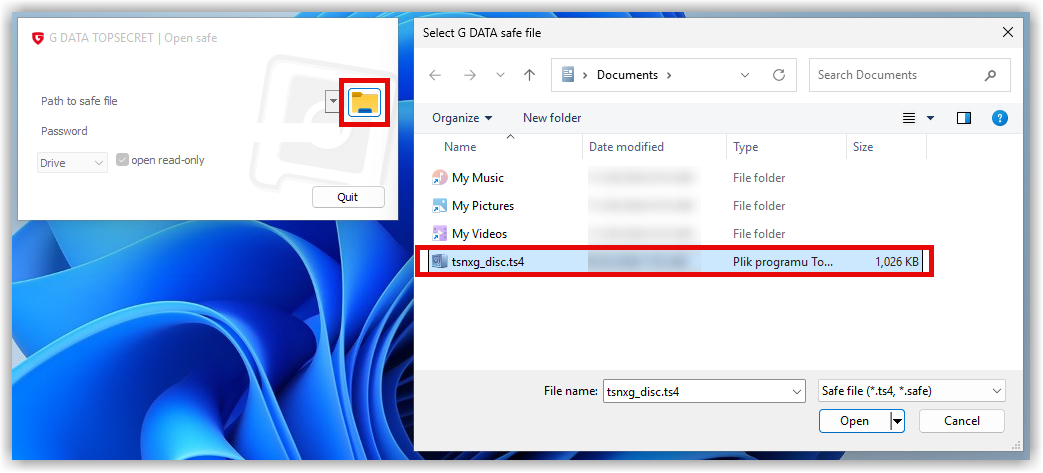
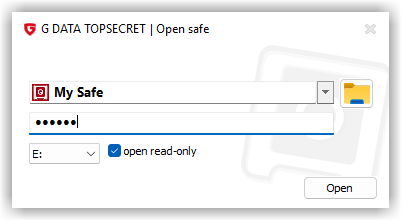
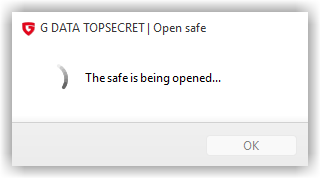
|
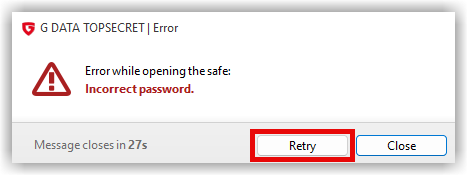
If the password entry is incorrect, you will receive a corresponding error message. Use Retry to attempt to open it again. |
|
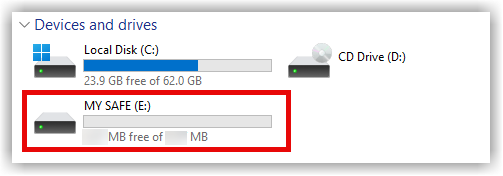
After opening, the vault is mounted into the file system and can be used from File Explorer or the command line like any other drive. |
|
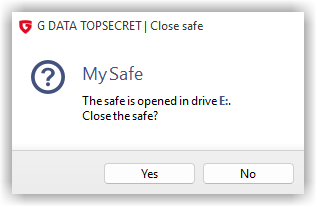
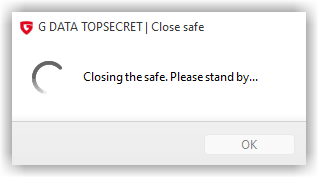
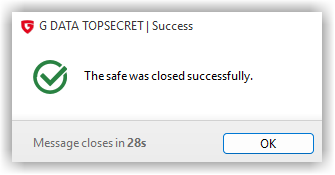
To close the vault, start the G DATA Safe Access program again. |
|
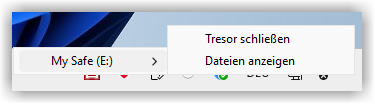
Alternatively, the vault can also be closed via the icon in the notification area (system tray) on the taskbar. |

|
|
|